Mobile design work made simpler
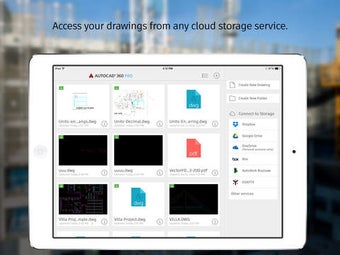
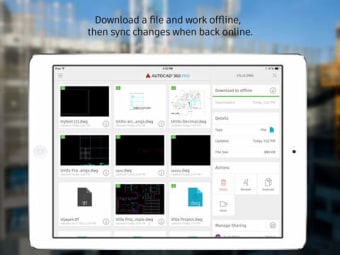
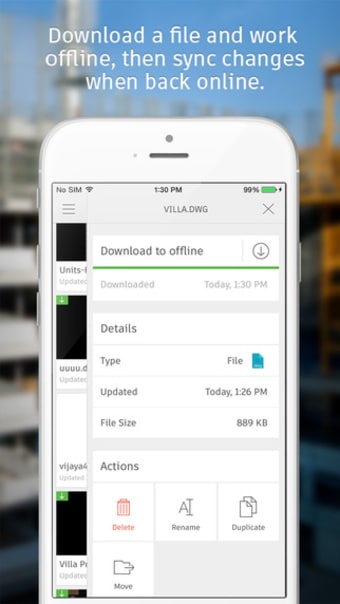
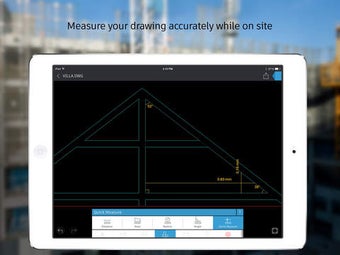
AutoCAD offers a practical way to manage drawings anywhere, providing users reliable access to cloud-syncing, offline viewing, and 2D-editing tools. It strengthens mobile workflows across creative and technical fields, making it a useful companion for quick adjustments or checks while away from a main setup.
Top Recommended Alternative
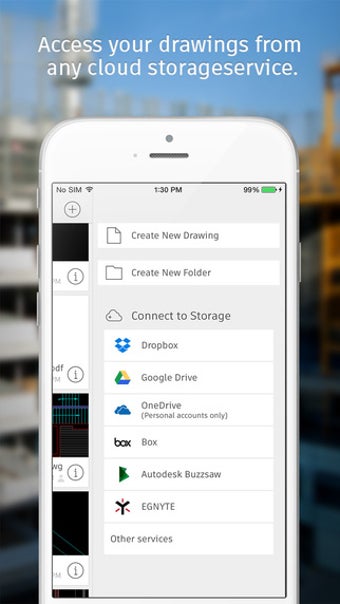
The convenience of AutoCAD grows as mobile work increases, allowing users to open and update files without delays. With annotation support, file-sharing, and cross-device compatibility, the app ensures efficient access to project data in fast-paced environments, supporting productive mobile workflows.
Enhanced functionality for portable drafting
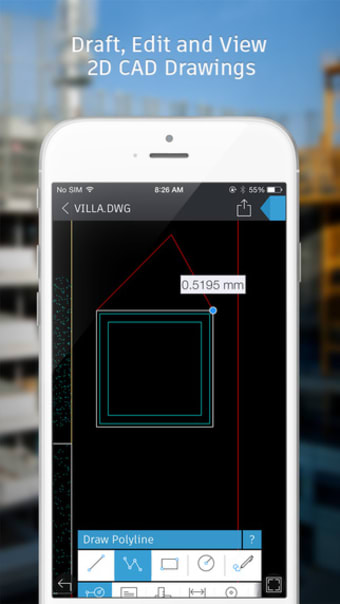
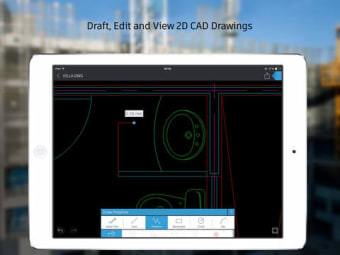
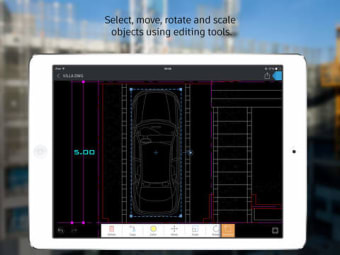
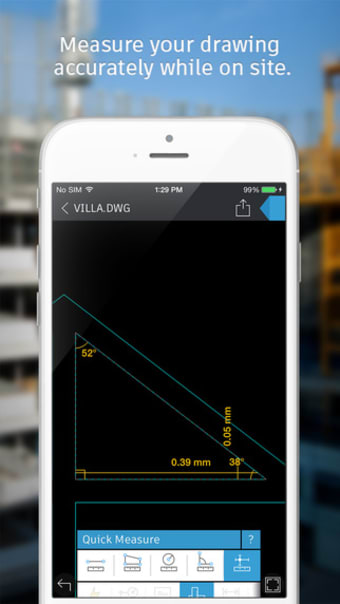
AutoCAD combines essential drafting functions with a stable and reliable workflow, supporting dependable performance across devices. Its tools include real-time markups, layer management, and file-sync functionality, allowing users to make meaningful adjustments without a full workstation. Alternatives like SketchUp Viewer or DWG FastView offer portability, yet this app’s integrated toolset provides an edge for consistent and efficient task handling across projects.
Recent updates introduce a more responsive and powerful editing engine, making adjustments smoother even when working with larger drawings. The improved handling of annotations, paired with quick-access tools, encourages a steady workflow that feels familiar to those using other design platforms. Though some features remain limited behind subscriptions, the overall experience keeps work accessible and straightforward across different setups.
It is a free-to-use platform that helps users explore essential tasks, but advanced tools require a paid tier. Despite that, the updated stability helps the app compete with lightweight alternatives, especially for quick checks in collaborative settings. These enhancements support dependable project continuity, though complex drafting is still best left to full-design environments where expanded toolsets deliver deeper precision.
Reliable mobile drafting companion
AutoCAD strengthens its position as a practical on-the-go drafting solution. Its smooth syncing, flexible editing engine, and dependable annotation tools make it ideal for users needing portable design access without a full workstation. With noticeable improvements to stability and workflow speed, it remains a valuable choice for professionals and students seeking an efficient, reliable, and accessible mobile drafting companion across various projects and environments.